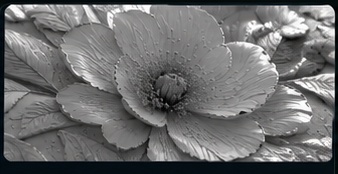
Form Relief
Depth and definition
PROFESSIONAL PRINT WORKFLOW
Prepare reliefs, line masks and spot-color separations with professional precision — all in one powerful workspace.
Explore the workflow before you start · No setup complexity
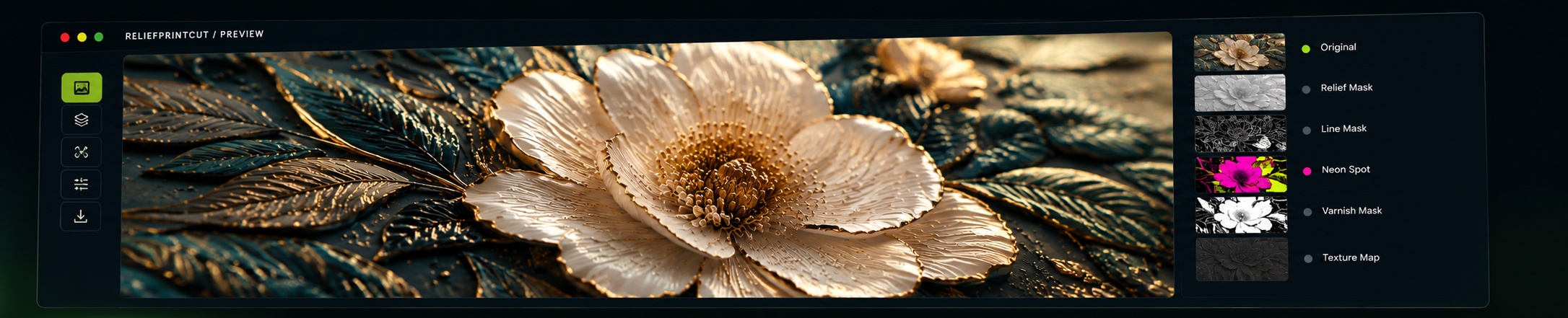
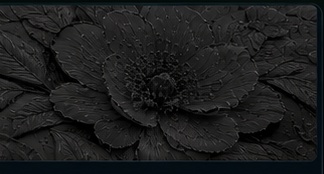
SEE THE DIFFERENCE
Every module is designed around a different print-preparation task. Explore the visual possibilities before you start.
Explore all modules →Depth and definition
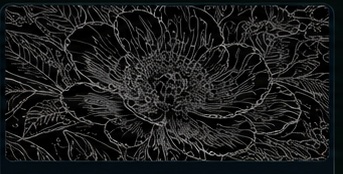
Sharp, clean lines
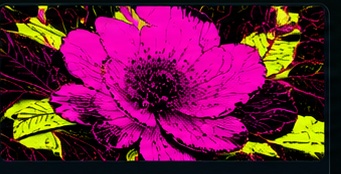
Vibrant spot colors
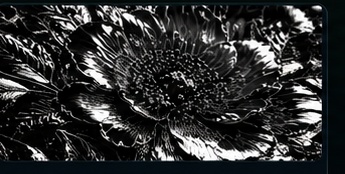
Selective shine
Tactile surface effects
THE TOOLKIT
Choose the right process for your artwork and production goal.
Turn tonal artwork into a depth map for dimensional relief printing. Best when the print needs a raised, sculpted look.
Explore module →Extract crisp contours and fine edges into a high-contrast mask. Ideal for line-led artwork and precise detail.
Explore module →Prepare distinct neon spot-color areas for bright, high-impact print effects. Each selected color stays easy to identify.
Explore module →Define exactly where gloss varnish should appear. Keep chosen details glossy while other areas remain unvarnished.
Explore module →Bring surface grain and fine material detail into a texture-focused relief mask for tactile-looking finishes.
Explore module →A SIMPLE WORKFLOW
Keep the process clear and your creative decisions in your hands.
Start with a supported image or PDF file.
Select the process that fits your print job.
Review the output before you export.
Export your prepared print file.
ARTWORK PREVIEWMADE FOR PRINT WORKFLOWS
Keep source artwork and processed previews in one place. Prepare high-resolution TIFF output with dedicated spot-channel workflows.
READY TO GET STARTED?
Start with the free plan: try the five print-preparation modules with 5 image-processing credits.
Try ReliefPrintCut →GOOD TO KNOW
The current workspace accepts common image formats and PDF input. PDF processing currently rasterizes the first page at 600 DPI.
Form Relief, Line Relief, Neon Spot, Partial Varnish and Texture Relief each focus on a different print-preparation workflow.
Yes. The workspace provides original and preview views before you export the processed TIFF.
This version is a working landing page connected to the current local workspace. Account registration, paid plans and secure user management still need to be implemented before public launch.